 CalendarKit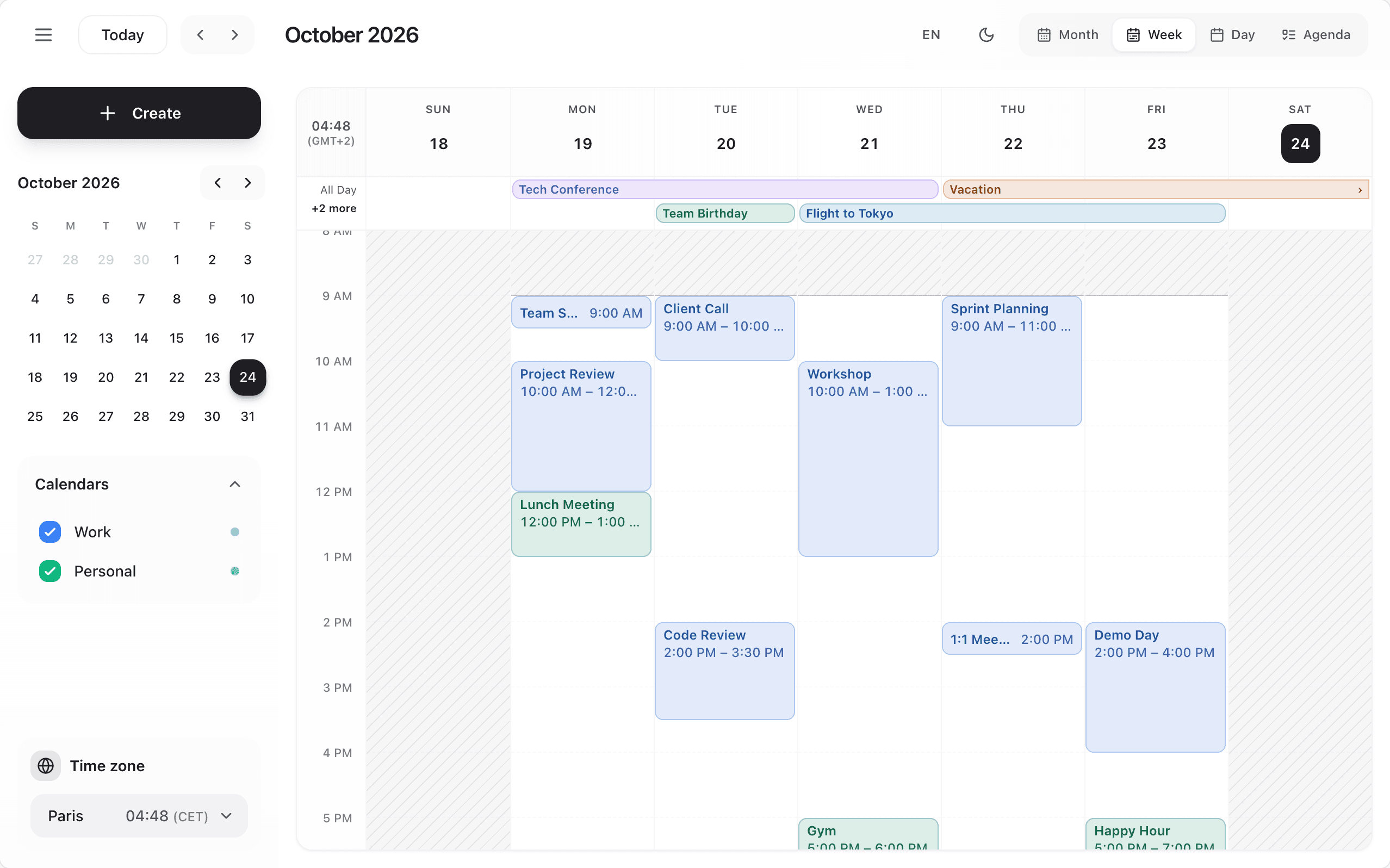
Month View
Full month grid. All-day and multi-day events are continuous bars across their days; up to three timed events per day show as chips with their colour, then "+N more" opens the day. Click a date to switch to day view.
Week View
7-day view with hourly time slots and an all-day row on top. Drag events to reschedule, resize from bottom edge. Each event shows as much as its size allows: the title alone for 15 minutes, "Title · 9:00" for 30 minutes, then the title over up to three lines and the times. Overlapping events sit side by side and stretch into free columns; past 2 or 3 columns (75 px each at least), the rest collapse into a "+N" button that lists them.
Day View
Single day with time slots (15 minutes by default) and the all-day row, up to 4 overlapping events side by side. Ideal for detailed scheduling.
Agenda View
Chronological list of upcoming events for 30 days. Shows event details and metadata.
Resource View
Horizontal timeline for scheduling across resources (rooms, people, equipment).