 CalendarKit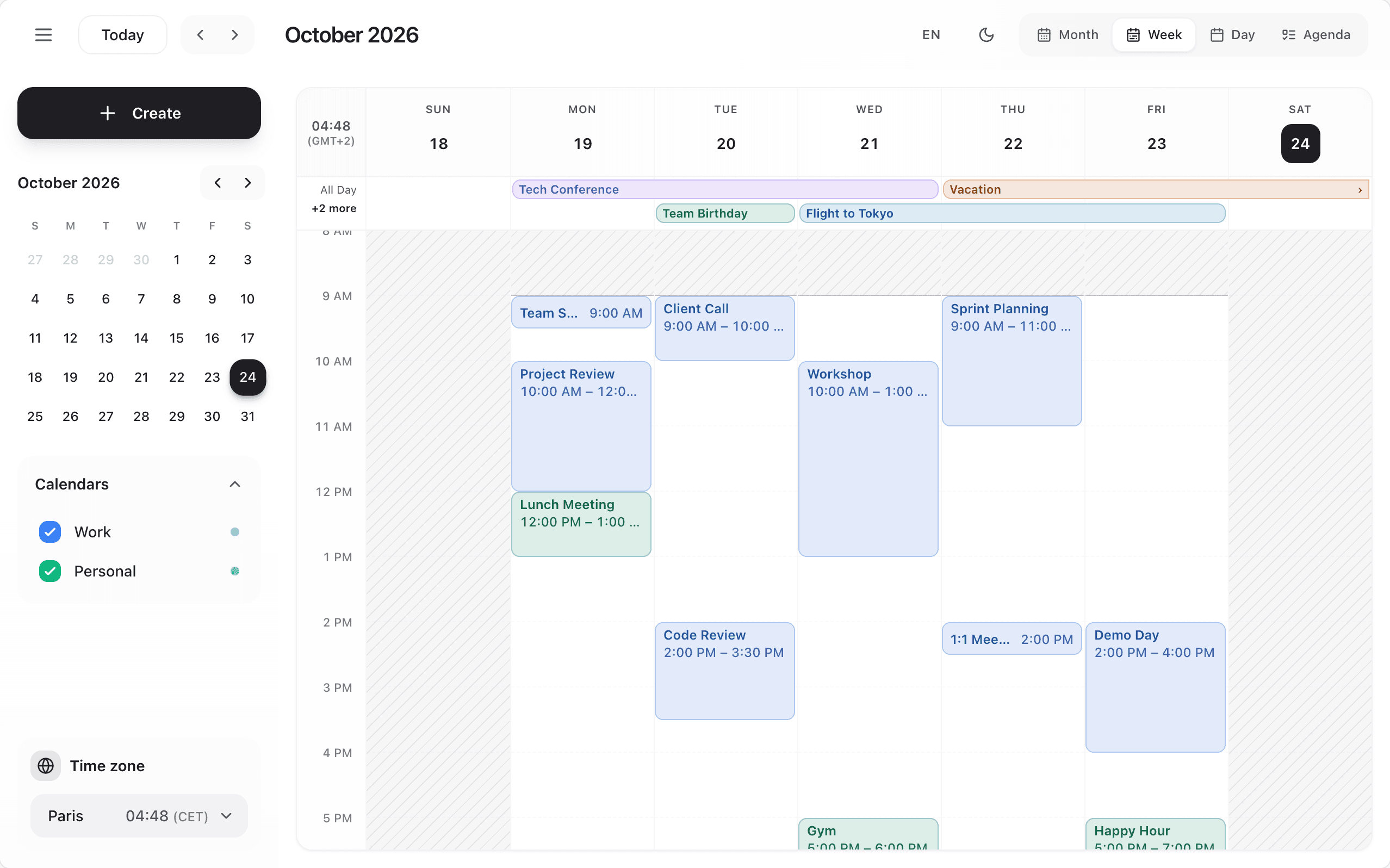
The week, day and resource views share one time grid:
<Scheduler
  dayStartHour={7}
  dayEndHour={20}
  slotDuration={30}
  workingHours={{ start: 9, end: 17.5 }} // Monday to Friday by default; `days: [1, 2, 3, 4]` (0 is Sunday)
  scrollToHour={8}
  reverseTimeAxis
/>dayStartHour/dayEndHourset the hours drawn. Events that run past them are cut at the edge; events entirely outside are not drawn in the grid (they stay in the agenda and the month view).slotDurationsets the slot length: a click, a drop, a resize and a drag selection snap to it.reverseTimeAxisputs the latest hours on top: the day runs upward, and an event's end is its top edge (the resize handle sits there). The resource view keeps its left-to-right timeline.workingHoursshades the time outside working hours, and whole days that are not working days. Shaded time can still be clicked and dropped on.scrollToHouris the hour at the top of the grid when it opens (on a reversed grid too).- Drag over free time with a mouse or a pen to create an event over that range: the quick card opens with it. On touch screens a drag scrolls, and a tap creates as before.