 CalendarKit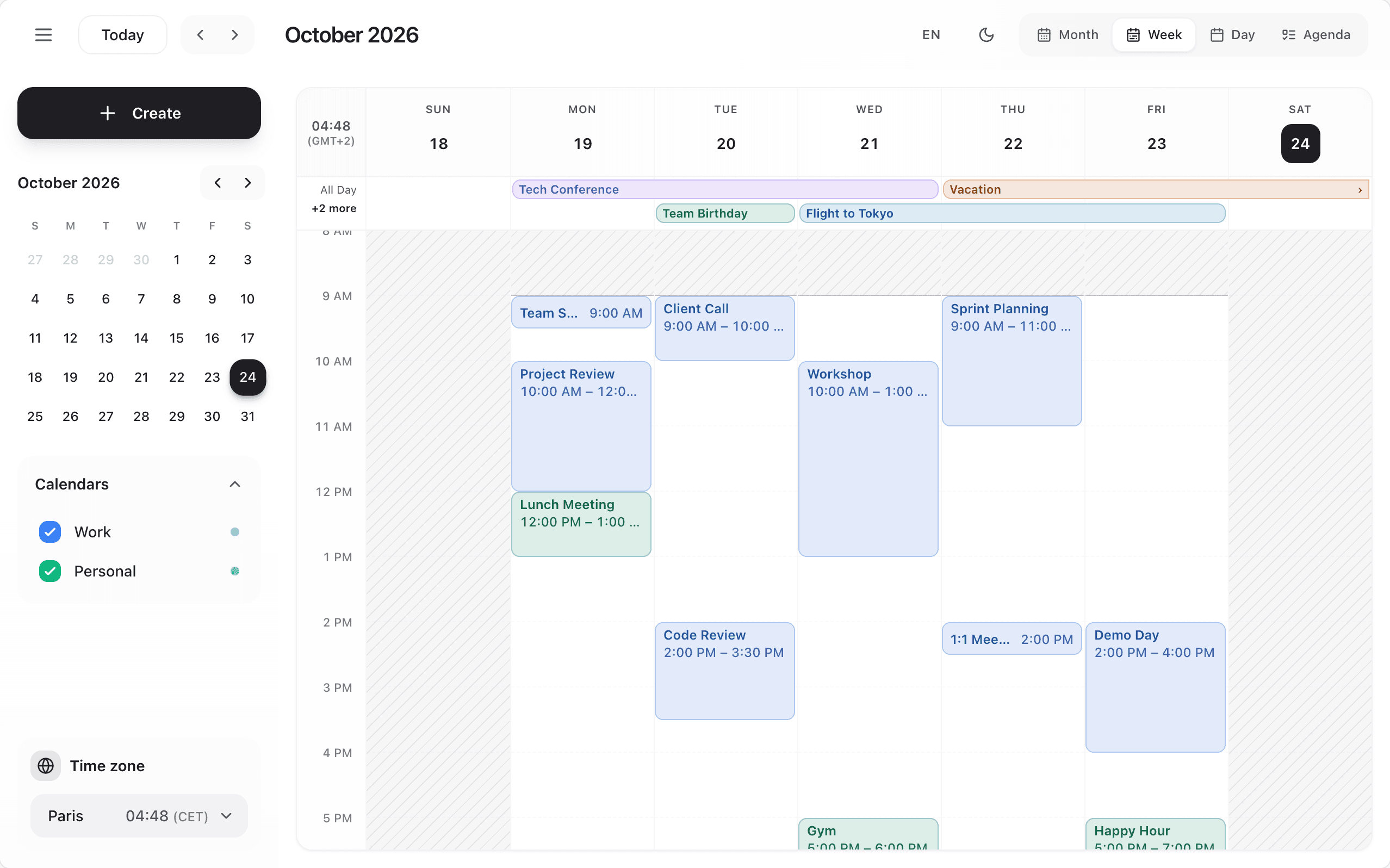
<Scheduler
  timezone="Europe/Paris"
  onTimezoneChange={(tz) => console.log('Timezone:', tz)}
/>
timezone is an IANA time zone name, such as 'America/New_York' or 'Asia/Tokyo'. Without it, the calendar uses the browser's zone; an unknown name falls back to it with a console warning.
- Events are drawn at their time in that zone. Your data does not change:
startandendstay the same instants, so an event at 9:00 in New York shows at 15:00 withtimezone="Europe/Paris". - "Today", the current-time line, the hour the grid opens at and the grouping of the agenda follow
timezonein the week, day, agenda and resource views. - The built-in event form shows and saves times in
timezone. A form of your own still receives instants (see Custom event form). - All-day events are calendar dates:
timezonenever shifts them (see All-day and multi-day events). - Recurring events keep their wall-clock time across daylight-saving changes, in that zone (see Recurring events).
- The side panel shows the zone and its current time. Its picker offers a short list of common zones plus Local time (an empty string), and calls
onTimezoneChangewith the choice. The calendar does not keep it for you: keep it in your state so the choice sticks:
const [timezone, setTimezone] = useState('Europe/Paris');

<Scheduler timezone={timezone} onTimezoneChange={setTimezone} />