 CalendarKit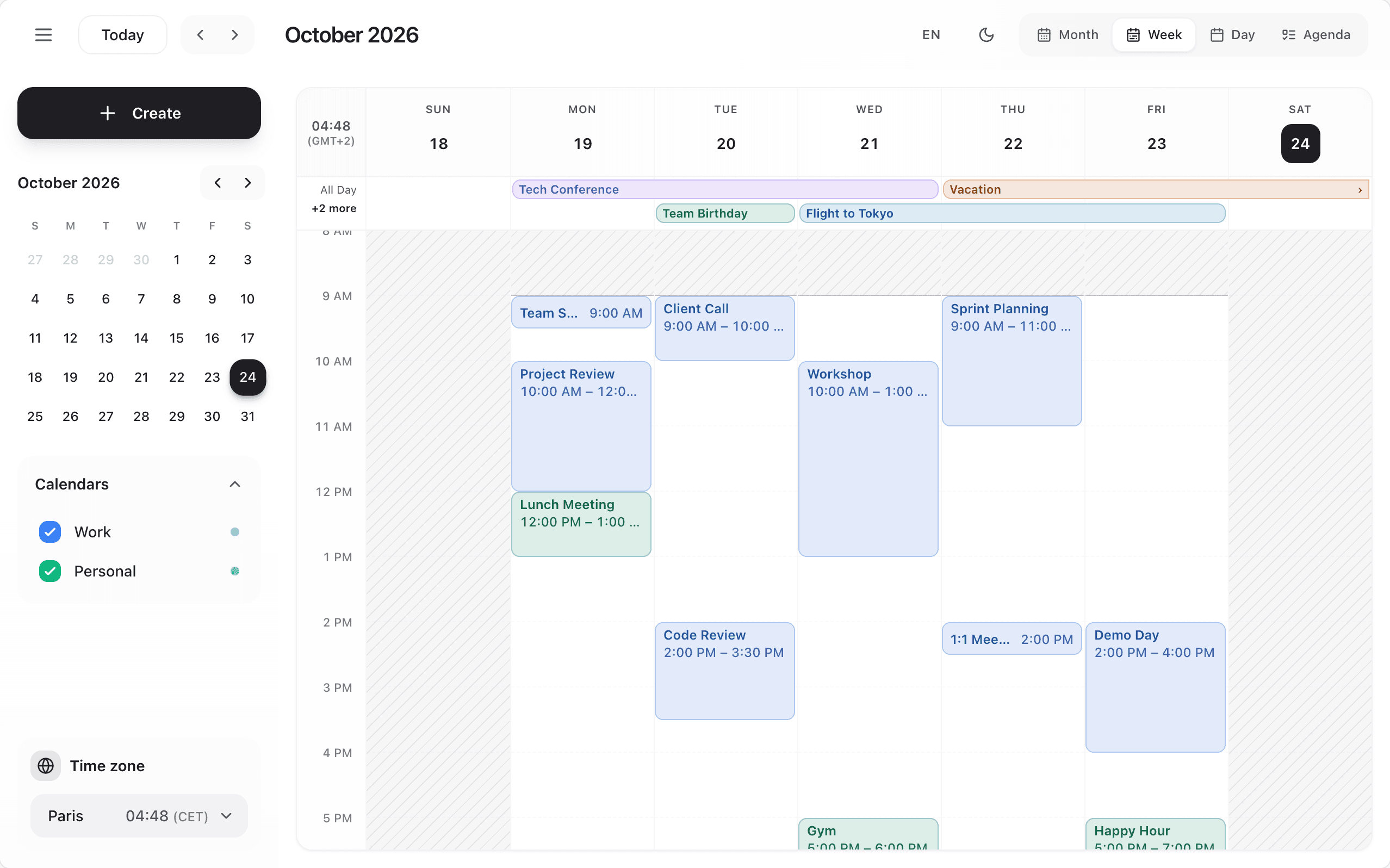
import { fr } from 'date-fns/locale';

const frenchTranslations = {
  today: "Aujourd'hui",
  month: 'Mois',
  week: 'Semaine',
  day: 'Jour',
  agenda: 'Agenda',
  createEvent: 'Créer un événement',
  // ... more translations
};

<Scheduler
  language="fr"
  locale={fr}
  translations={frenchTranslations}
/>
Three props work together:
language('en'or'fr') picks the built-in language pack: every interface text, the event form, the side panel and the accessible labels read by screen readers.translationsoverrides single keys of that pack. TheCalendarTranslationstype lists every key.localeis a date-fns locale. It formats dates, and sets the 12 or 24 hour clock and the week start.
The quick card understands typed sentences in the calendar's language: "Lunch with Lea tomorrow 1pm for 2h" in English, the same kind of sentence in French. Time zones are separate: see Time zones.
Calendars are only listed in the sidebar when you pass calendars.