 CalendarKit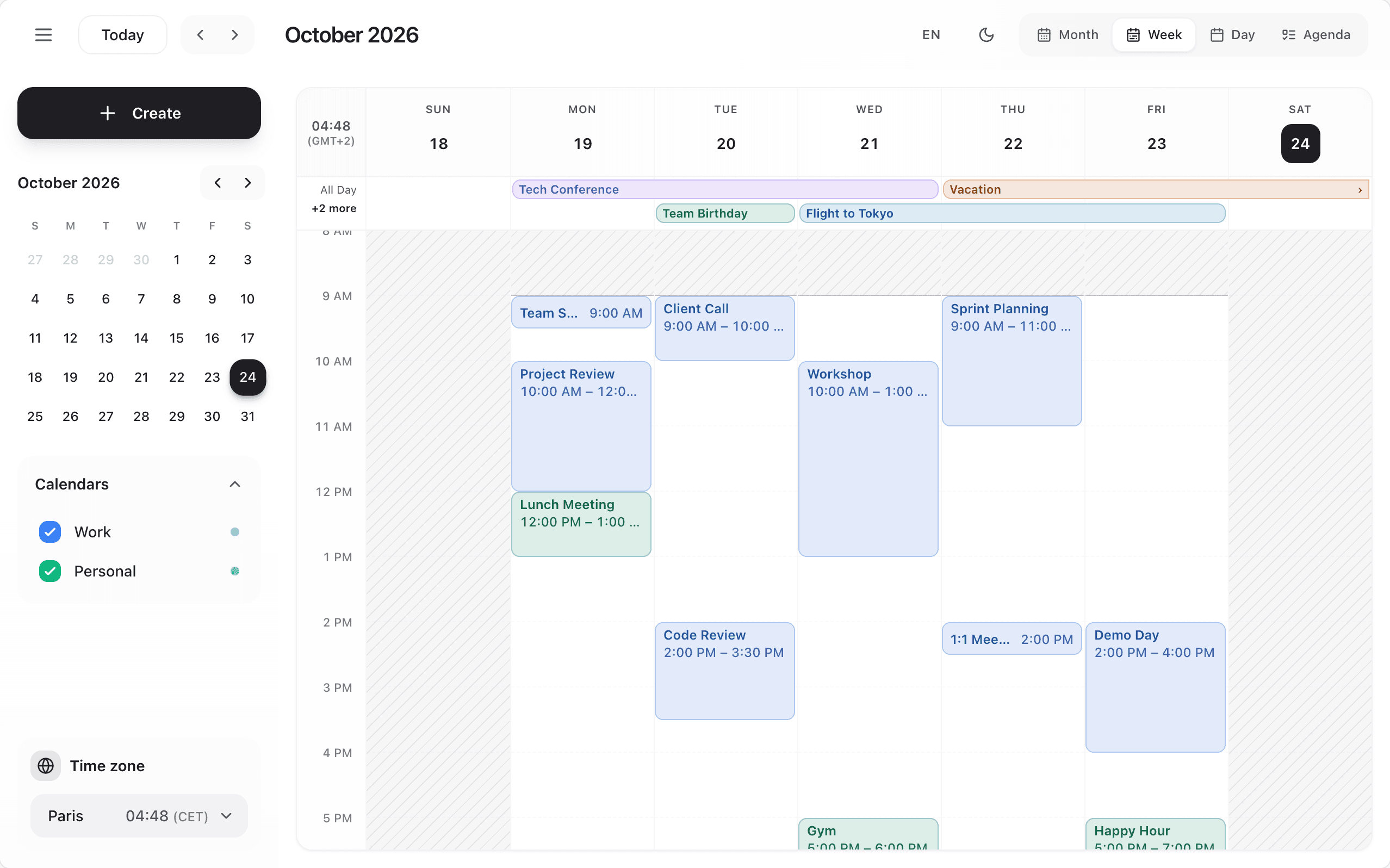
<Scheduler layout="focus" />classic(default): header, side panel, a card beside each event you click.focus: the grid takes the whole calendar, under a floating toolbar (period, Today, previous / next, views, Create). A click on an event edits it in a panel docked beside the grid.flow: the week's days as a strip (dots show how busy each day is) and the chosen day as a feed of cards: events in order, free slots with Book (an hour at their start), the current time, and a floating Create. The full form opens as a sheet from the bottom.
A custom components.Toolbar replaces the Focus toolbar and Flow's top bar too; renderEventForm keeps your form in every layout. Focus and Flow have no side panel (so no components.Sidebar nor calendar toggles there: hide calendars with calendars[].active), and Flow shows the week strip and the day feed whatever view is (no loading skeleton, EmptyState nor EventContent there). In Focus, while the panel has changes, a click on the grid asks before anything else opens.